Local government websites. Built around the people who use them.
Design and redesign for cities, counties and public agencies: clearer paths for residents, practical editing for staff and a defined plan for content, testing and handoff.
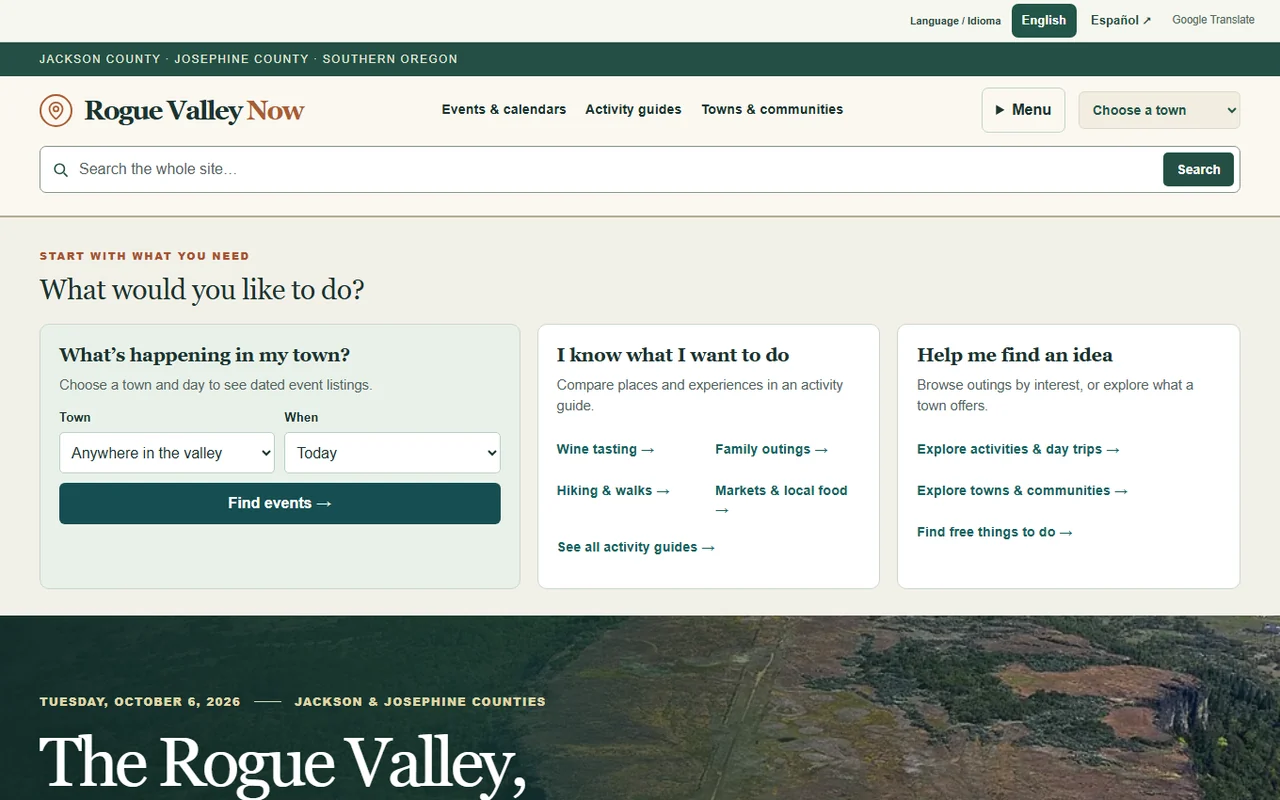
A community guide for the Rogue Valley, with town-based event discovery, activity guides and local information organized around what people want to do.
Town & event filters · Activity guides · Local search
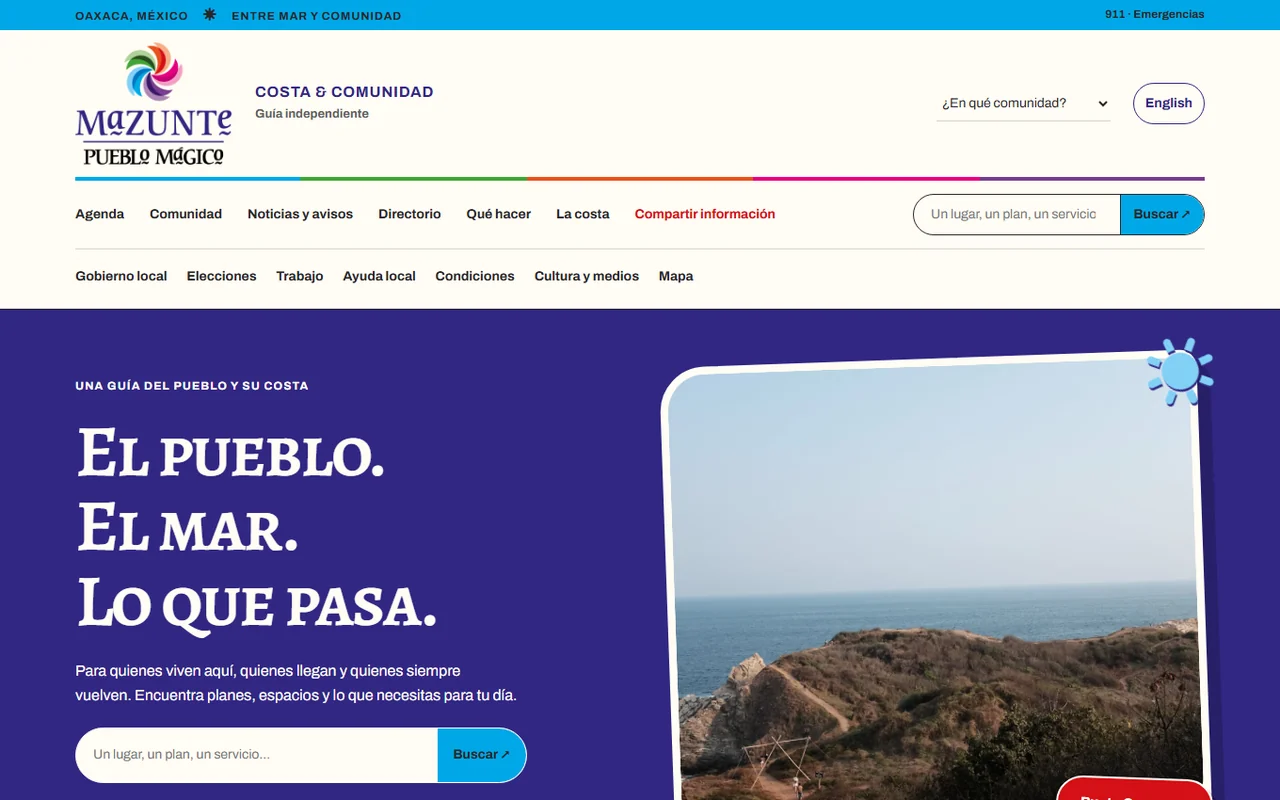
A Spanish and English community guide to Mazunte and nearby hubs, bringing together local events, resources, businesses and ideas for residents and visitors.
Spanish & English · Community resources · Visitor information
A local government website should help someone find a service, understand a requirement or reach the right department. A redesign begins by reviewing those paths with your staff: paying a bill, finding a meeting agenda, reporting a concern, checking office hours or learning how to apply for a permit.
We plan navigation, page templates and content around those tasks. Clear department ownership, readable mobile layouts and useful links matter alongside the visual design. A new site or a redesign can be a standalone project or part of a broader system with staff portals, resident requests and departmental workflows.
A WEBSITE YOUR TEAM CAN MANAGE
Make editing and approvals practical.
CMS & staff editing
Choose a content management approach around the staff who will use it, your existing technology and the publishing tasks involved. Agree on templates, editing permissions and the review steps for routine updates, urgent notices and departmental pages.
Migration with a content plan
Inventory pages, documents and important URLs before moving them. Decide what to keep, rewrite, archive or remove with the responsible departments. Plan redirects and check migrated links, dates, document labels and search behavior before release.
Include editing practice, written guides and named content owners. Staff can review a preview and send questions in writing. A focused call can support a qualified project that needs personal discussion or approval. Define who controls the domain, hosting, CMS accounts, source files and third-party licenses, and what the agency receives at handoff. Agree on maintenance and support responsibilities.
WORK WITH WHAT YOU HAVE
Fit the site to your existing systems.
An agency may already have a CMS, framework, payment provider, agenda system, records platform or service-request tool. We review what should stay, what can connect and where a clear link is more appropriate than a custom integration. Vendor permissions, documentation, authentication and data ownership belong in the scope before implementation.
Integration work can range from a carefully labeled external service link to a supported API connection or staff workflow. The project plan should identify the responsible systems, what information moves between them, failure handling and the reviews required by your IT and records teams. Sensitive resident data needs an agreed handling plan.
REVIEW BEFORE RELEASE
Put content and testing in the plan.
Accessibility review
Agree on the pages, templates, documents and interactions to test, including keyboard use, focus, headings, form labels, contrast and image descriptions. Combine automated checks with manual review and a documented correction process. Your agency’s applicable standards and acceptance criteria guide the work.
Use clear titles, service descriptions and verified local details so people can understand the information. Review technical indexing and redirects as part of launch. Search placement and inclusion in AI answers depend on external systems and are not guaranteed.
Optional ongoing content
Scope support for service updates, local resources, events or branded social posts separately. Source verification, captions, accessible image descriptions, calendars and client approvals can be part of the workflow. Your team can receive materials, run the calendar itself or authorize a supported publishing setup.
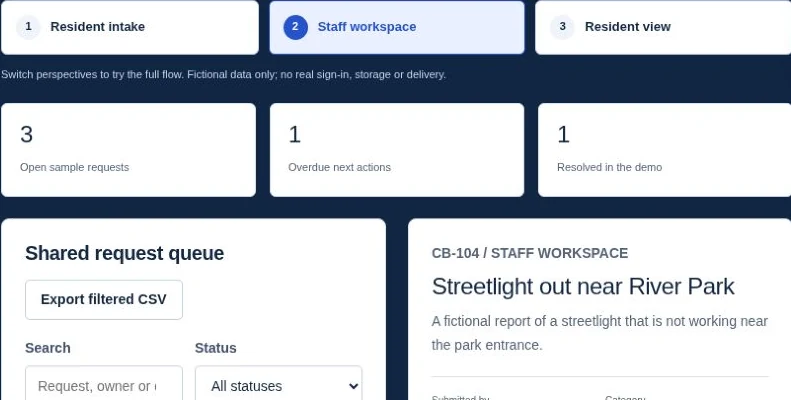
Cedar Bay is a fictional municipality used in the interactive demos. Try a six-stage resident request, staff resources, content approvals and opt-in updates to discuss how a workflow could fit your agency. The demo uses fictional records and sends no real messages.
Agree on the completed pages, content, staff workflows and handover materials, with written review milestones and acceptance criteria before committing to a build. Include stakeholder review, migration, accessibility testing, training and launch support in the schedule. Larger or phased projects can separate discovery, implementation and ongoing support while preserving a clear plan for the whole site.
Follow the municipal website redesign process to see the stages and useful outputs. For a useful first conversation, share the current site, priority resident tasks, expected editors, document volume and systems involved. The municipal website cost and scope guide explains the decisions that shape a proposal without assuming a fixed platform or project size.
GUIDES, ANSWERS & PLANNING TOOLS
Government website planning
Choose the platform, plan the migration and agree on who will keep the site working.
Share your organization, current website and the tasks you want to improve. Include known content, integration and procurement requirements. Please keep confidential records and credentials out of the project notes.